kweblens
A web-based Kubernetes IDE — Freelens/Lens reimagined as a self-hosted Spring Boot server plus a Vue SPA, instead of an Electron desktop app. Point it at your clusters, browse and edit their resources from any browser, stream logs, exec into pods, manage Helm releases — and expose the same cluster view to AI assistants over MCP.
Because it runs as a server rather than on your laptop, the browser needs no kubeconfig, no
kubectl and no local install.
|
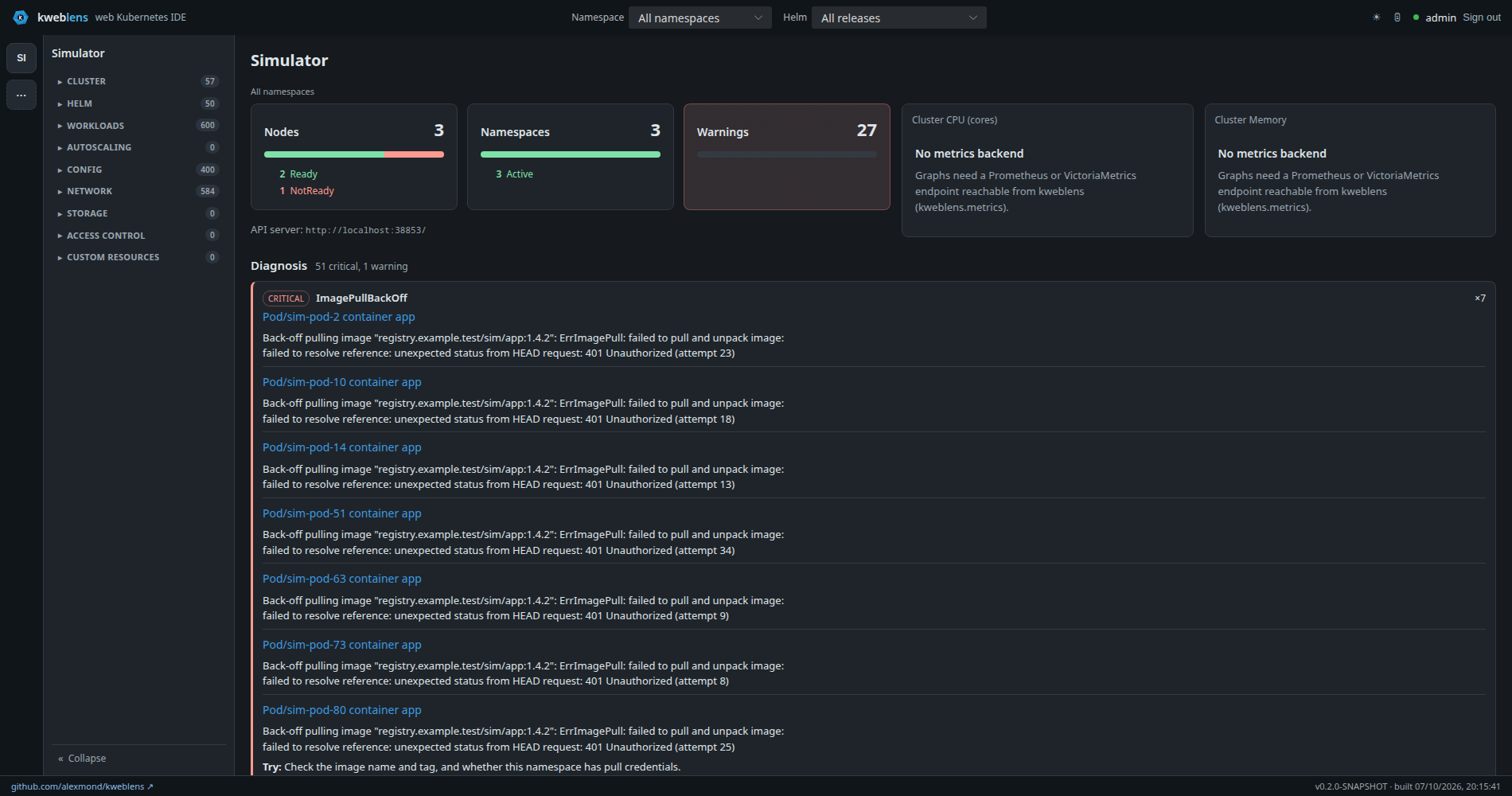
Every screenshot in this documentation is taken against kweblens’s built-in simulator, not a real cluster — so the names, images and addresses in them are generated, not somebody’s infrastructure. You can run the same thing yourself with no cluster at all; see First run. |
|
Status: early — working, not yet production-ready. The surfaces below are implemented and used daily against real clusters. Releases are GitHub releases with the runnable jars attached; nothing is published to Maven Central, because kweblens is an application rather than a library. kweblens is built for one trusted operator, not for a team. There is a single shared admin account, no OIDC or per-user identity, and no RBAC-awareness — kweblens acts with its own credentials, not yours. That is a deliberate, signed-off position (ADR-001, accepted 2026-07-30), not a gap awaiting a fix, and it has real consequences: actions cannot be attributed to a person, and anyone who can log in can do everything the underlying credentials can. Read Security and identity before deploying this anywhere other people can reach. |
1. What it does
| Area | Detail |
|---|---|
39 built-in kinds across 8 static categories, plus Custom Resources discovered from the cluster’s CRDs and rendered with the CRD’s own printer columns. A Gateway category is promoted at runtime when the Gateway API CRDs are present, and Autoscaling holds the HPA plus the cluster’s Vertical Pod Autoscalers where that CRD is installed. |
|
Live updates |
Kubernetes watches streamed to the browser over SSE, batched per animation frame so a large-list event burst cannot freeze the tab. |
Overviews |
A cluster overview plus Workloads / Network / Storage / Config category overviews — the objects needing attention are named, not only counted, with click-through to the filtered list. |
CodeMirror 6 with completion and validation driven by the cluster’s own OpenAPI v3 schema, a Form tab generated from that schema, and a Review-Changes tab showing both what you typed and what the cluster says it would actually store. |
|
Detail drawer |
Per-kind detail from a server-side endpoint, plus twelve relation joins resolved server-side — ownership both ways, a Service’s endpoints and selected pods, which pods mount a ConfigMap or Secret, PVC↔PV binding, ServiceAccount and RoleBindings, HPAs and PodDisruptionBudgets. |
Multi-source log streaming (all containers of a pod, all pods of a workload), exec into a container over WebSocket, port-forward, and an optional pod file browser. |
|
Install, upgrade, rollback, uninstall, history, a values library and repo refresh. Install,
upgrade and rollback get a real dry run and will not apply until it returns; uninstall does not.
Built on the sibling jhelm library, never the |
|
Deterministic workload/network/storage/config checks, a diagnosis endpoint, and four guarded remediation actions that are always suggest → approve → apply, never autonomous. |
|
An in-jar MCP server exposing 17 read-only tools to AI assistants, redacted at the boundary. |
2. How it is put together
Spring Boot 4 / Java 21, a multi-module Maven build. Cluster access is the
fabric8 Kubernetes client; the UI is a Vue 3
Vite + TypeScript SPA (Naive UI) built into the jar and served at /. See
Architecture.
3. Where to start
-
Installation — build it and run the jar, or build a container image
-
First run — connect a cluster and take the tour
-
Configuration — every
kweblens.*property -
Deploying to Kubernetes — chart, RBAC, in-cluster credentials